 Teamwise Team Admin
3. Manage Team Members
The Manage Team Members module provides team administrators with comprehensive tools to oversee team membership, control access, and manage user roles. This centralized interface enables admins to handle all member-related activities—such as invitations, role assignments, status management, and access approvals—through an organized tabbed navigation system.
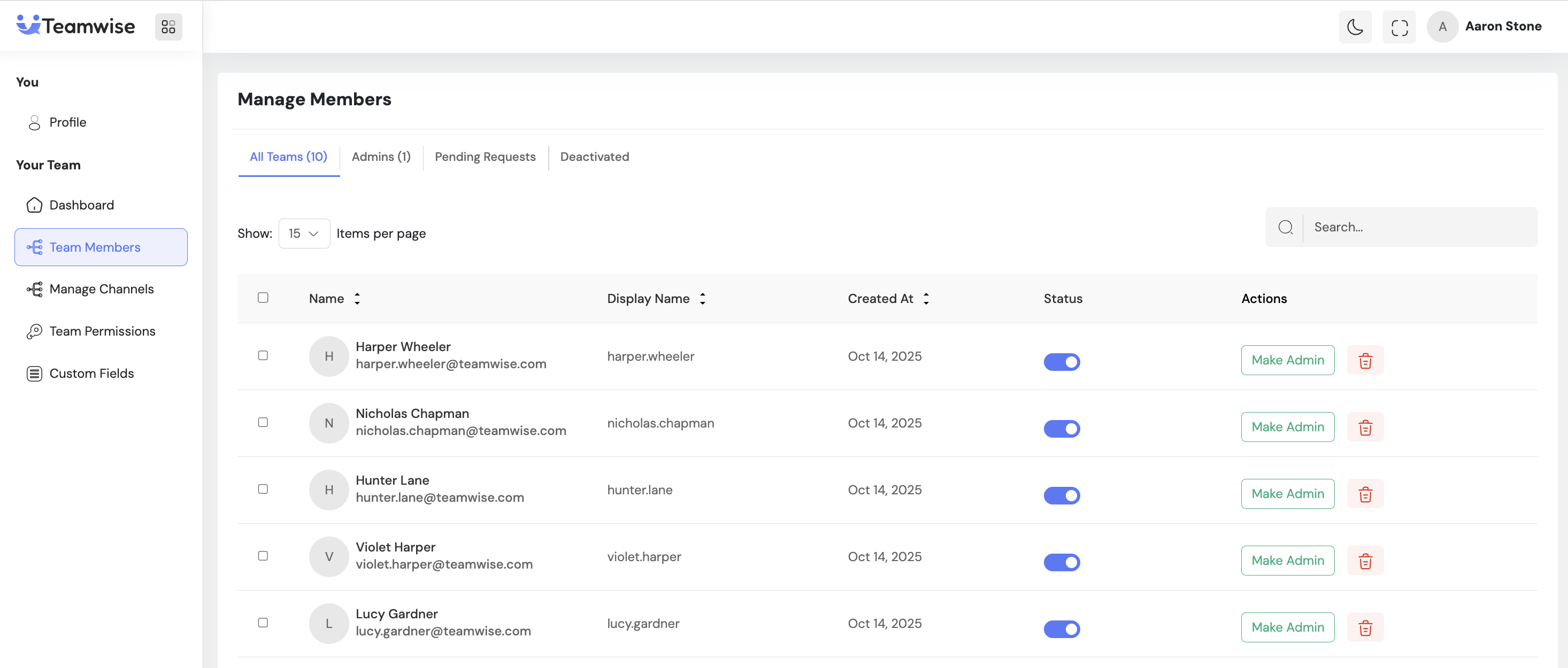
Core Functionality:
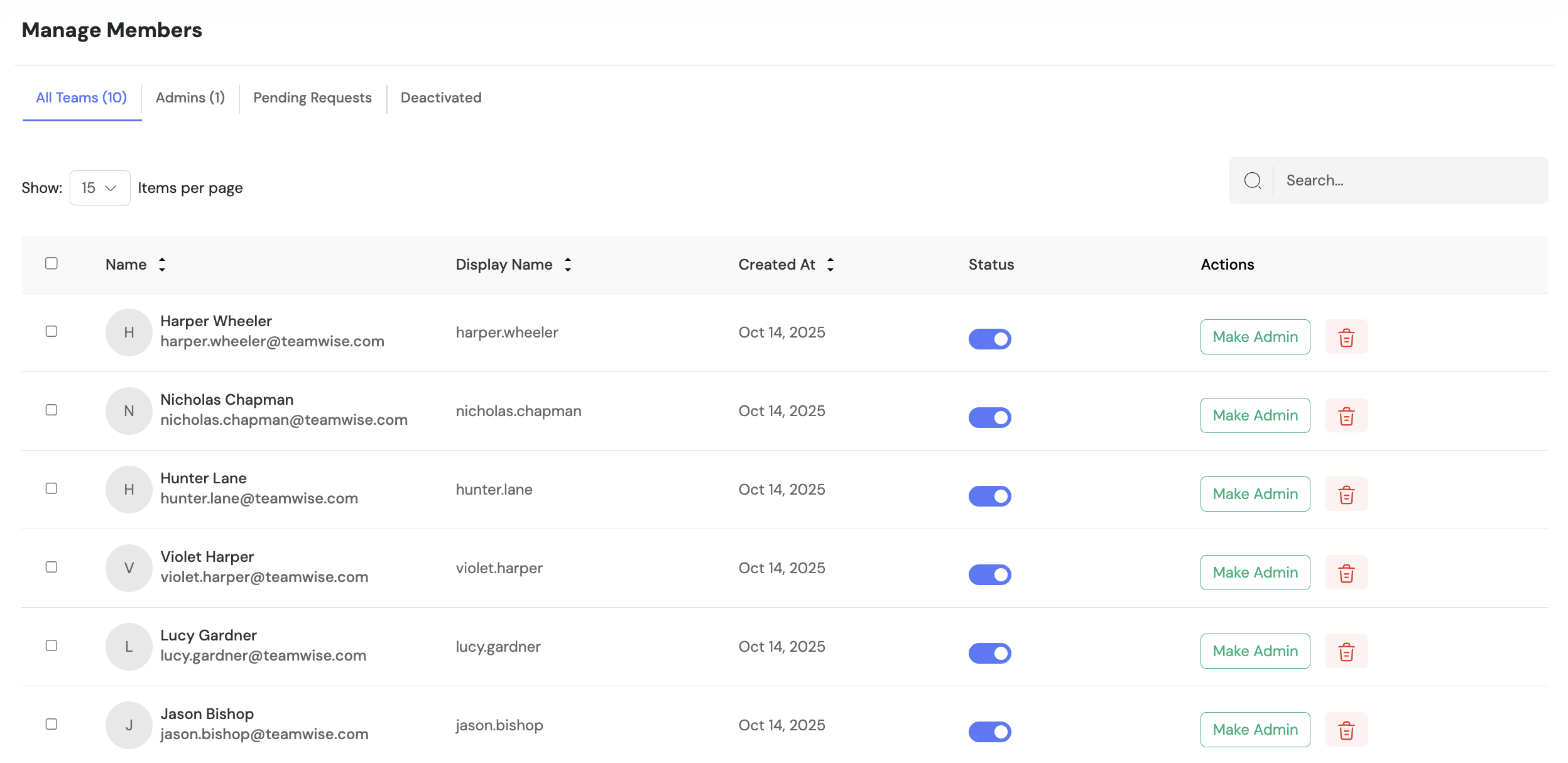
1. All Team Members Tab
Displays the complete roster of active team members with detailed information including:
-
- Name, email, and display name
-
- Profile picture and join date
-
- Role and status indicators
Admins can view all active members at a glance and easily identify who holds administrative privileges through visual markers.
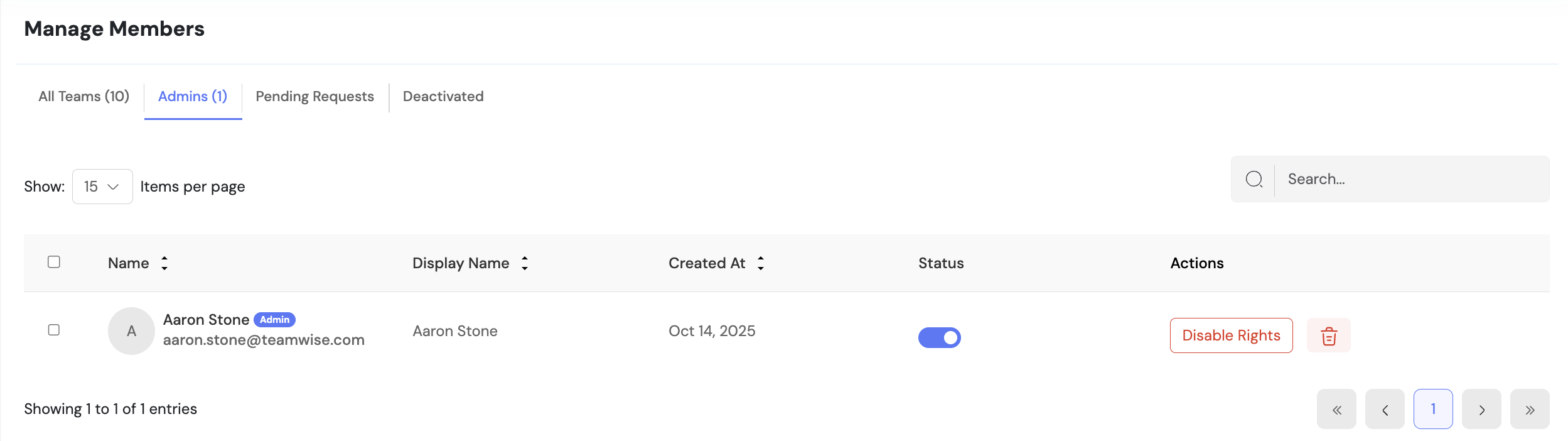
2. Admins Tab
Provides a filtered view of team members with administrative privileges, allowing easy management of the team’s administrative hierarchy and visibility into who has elevated permissions.
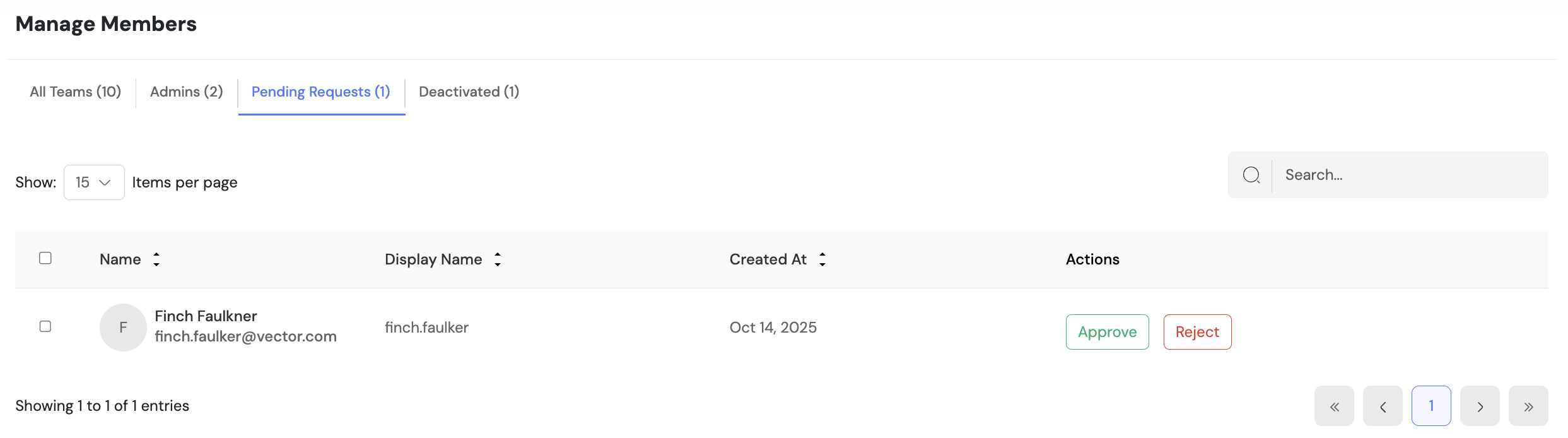
3. Pending Requests Tab
Lists all users who have requested access to the team and are awaiting approval.
Admins can:
-
- Review user details
-
- Approve or reject membership requests directly from this interface
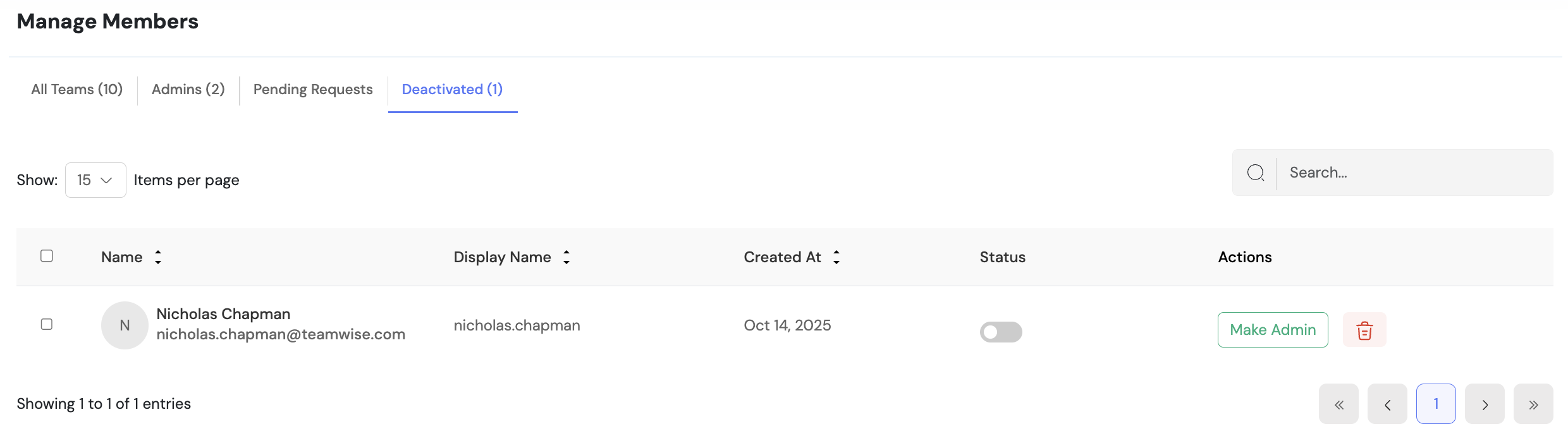
4. Deactivated Members Tab
Displays members who have been deactivated but not permanently removed.
-
- Deactivated members cannot access team resources
-
- Their historical data remains intact
-
- Admins can reactivate members when necessary
5. Member Status Management
Admins can toggle member status between active and deactivated using a simple switch.
-
- Deactivation instantly removes access while preserving data
-
- Reactivation restores full access immediately
6. Role Administration
Admins can manage user privileges seamlessly:
-
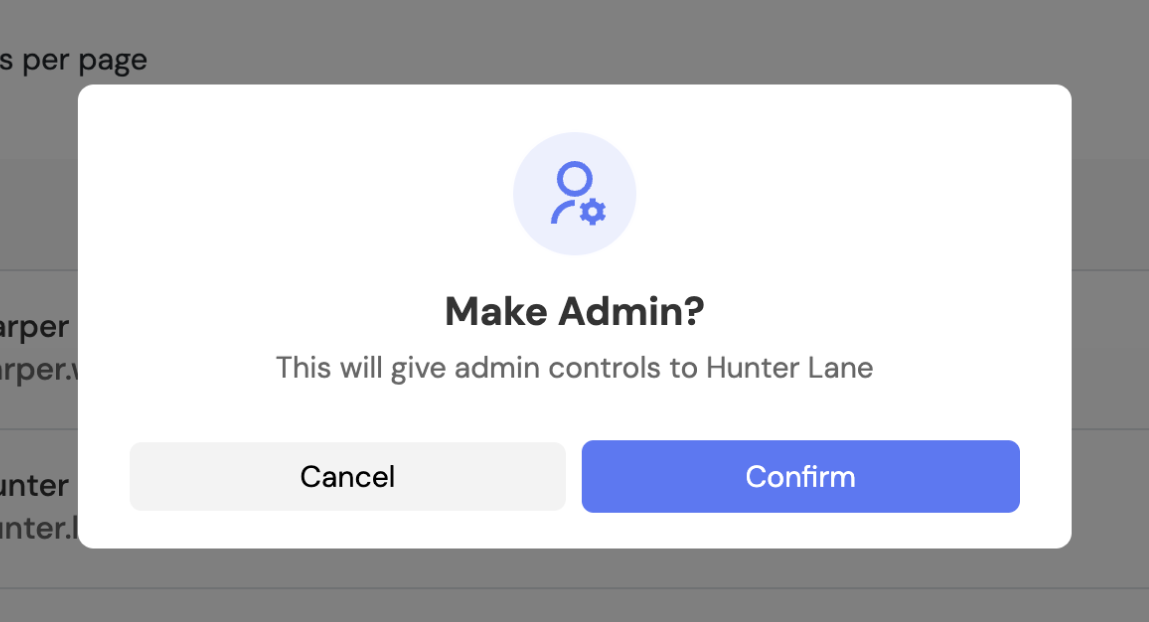
- Promote members to admin status to grant full management capabilities
-
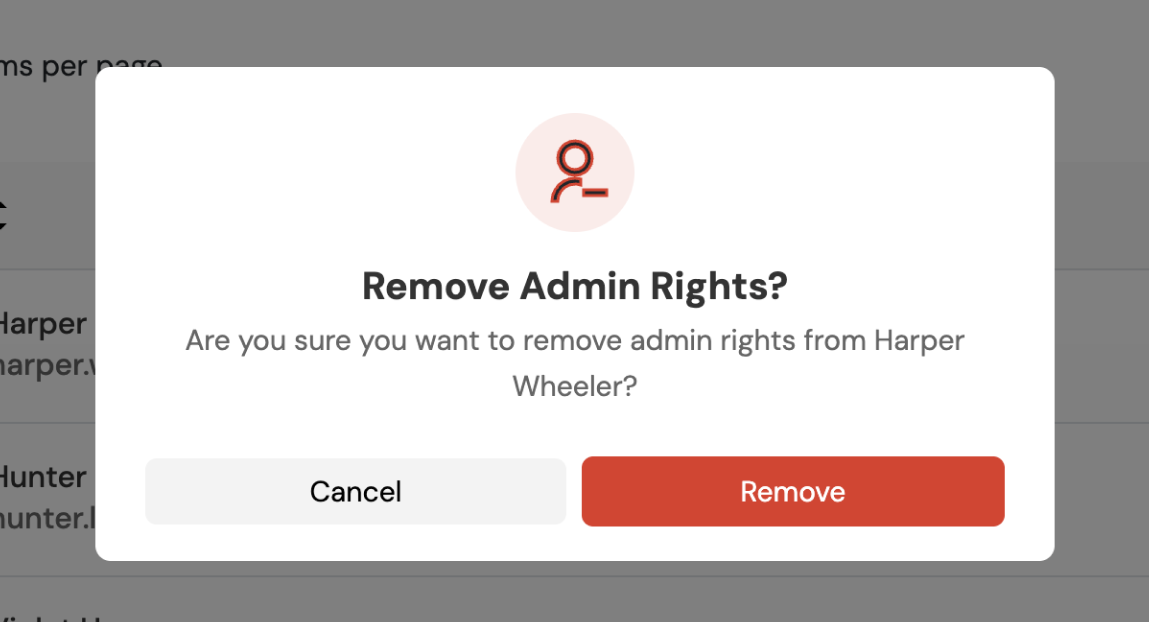
-Demote admins back to regular members as needed
7. Member Removal
Admins can permanently remove members from the team.
-
- Supports both individual and bulk deletion
-
- Permanently deleted users lose all access to team resources
Key Points
-
- Organized tabbed interface for clear status and role categorization
-
- Real-time status switching between active and deactivated
-
- Instant role updates (promote/demote)
-
- Bulk actions for efficient management
-
- Approve/Reject workflow for pending requests
-
- Search and sort for large teams
-
- Confirmation prompts for all critical actions
What's Next?
Let’s get started — your team’s new home is Teamwise Chat!


